Oct 9, 2026
Can You Make a Product Video Without a Photoshoot? Yep. Sort Of.
You have a product. You have some photos. You need a video.
You do not have a studio, a camera crew, a model, a lighting setup, or the energy to organize any of that.
Good news: you might not need them.
You can create product videos from existing photos using motion graphics, AI video, animation, and some good old-fashioned editing.
Bad news: AI is not a magic button. Despite what approximately 900 Instagram ads would like you to believe.
So, what can you actually make from product photos?
Quite a lot.
1. Animated product videos
Take an existing product image. Add movement, typography, graphic elements, textures, transitions, and sound design.
A bottle doesn't need to fly through an exploding galaxy to be interesting.
Sometimes a good composition and three well-timed movements are enough.
2. AI product commercials
This is where things get interesting.
AI-assisted video production can place products in new environments, create lifestyle scenes, introduce camera movement, and help develop shots that would otherwise require a physical production.
Your skincare bottle on a bathroom counter in beautiful morning light? Possible.

Your skincare bottle being held by a woman with six fingers and a label written in an undiscovered language?
Also possible. Unfortunately.
The difference is creative direction, controlled source material, careful selection, and a lot of checking.
3. Stop-motion-style product videos
Products jumping into frame. Packaging stacking itself. Colors switching. Objects appearing and disappearing.
Playful, graphic, and often more interesting than another slow-motion product rotation.
And no, you don't necessarily need to photograph 400 individual frames.
4. Social media product ads
A single set of product photos can become Instagram Reels, TikTok videos, short-form ads, website banners, or animated product announcements.
Different formats. Different edits. Same original assets.
You don't always need another production day because Instagram wants a vertical video.
Can AI turn one product photo into a video?
Yes.
But there's a difference between making an image move and making a convincing product commercial.
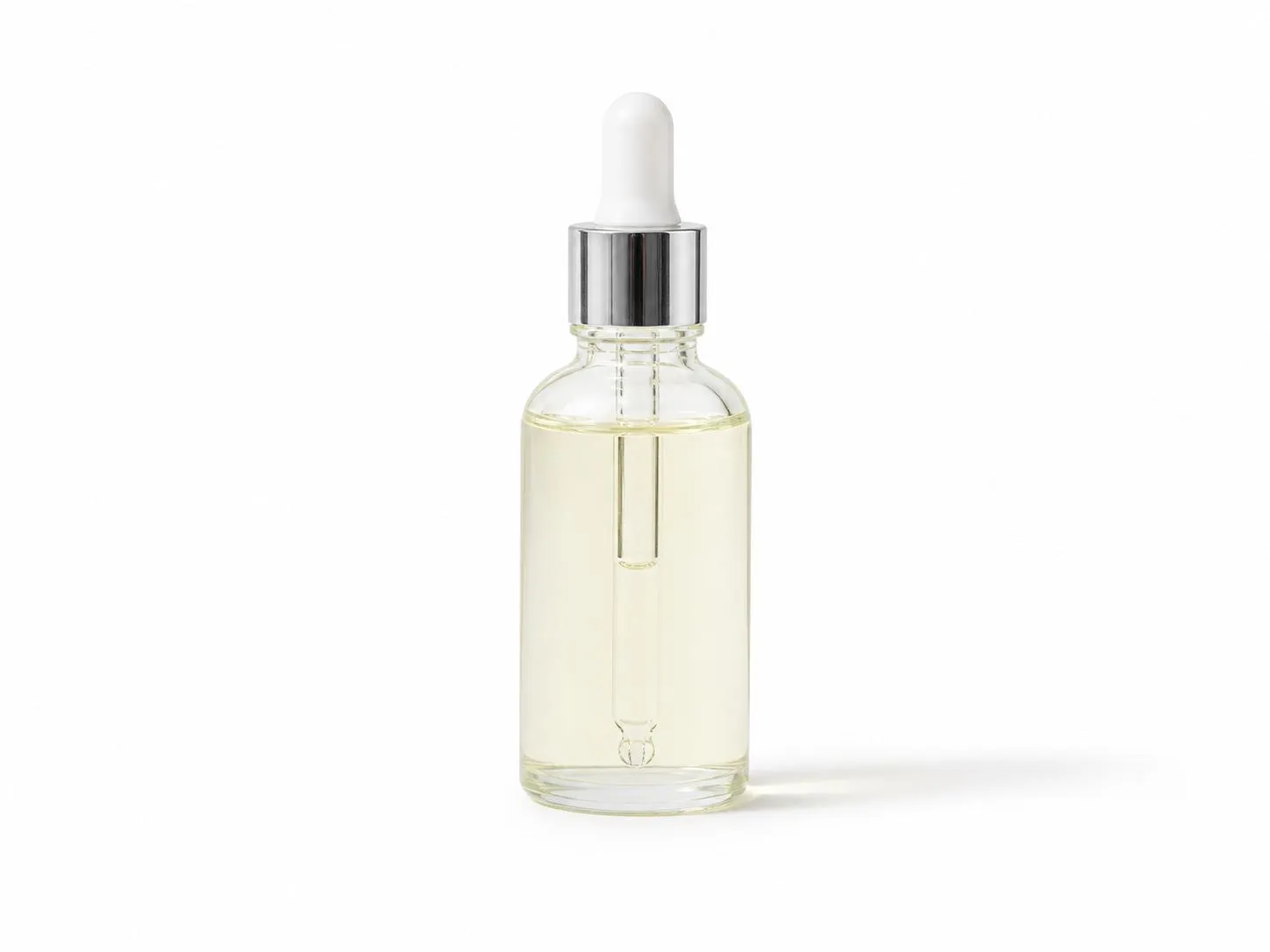
A single photo can be animated, reframed, combined with graphics, or used as a reference for AI-generated scenes.
What it cannot provide is reliable information about every angle, surface, and hidden detail of your product.
AI will happily invent those.
A slightly different cap. A mysterious extra button. A logo that looks almost right.
Almost right isn't right when it's your actual product.
For accurate product video production, additional reference photos, packaging artwork, or 3D files make a difference.
What about product videos that look like real commercials?
You can create cinematic product videos without a traditional photoshoot.
But cinematic doesn't mean adding slow motion and calling it a day.
It means thinking about the light, camera movement, composition, color, materials, timing, and sound.
Let's say you're making a 10-second body lotion ad.
Warm morning light. A bottle sitting beside a sink. A curtain moving slightly. A close-up of the packaging. A simple graphic ending.
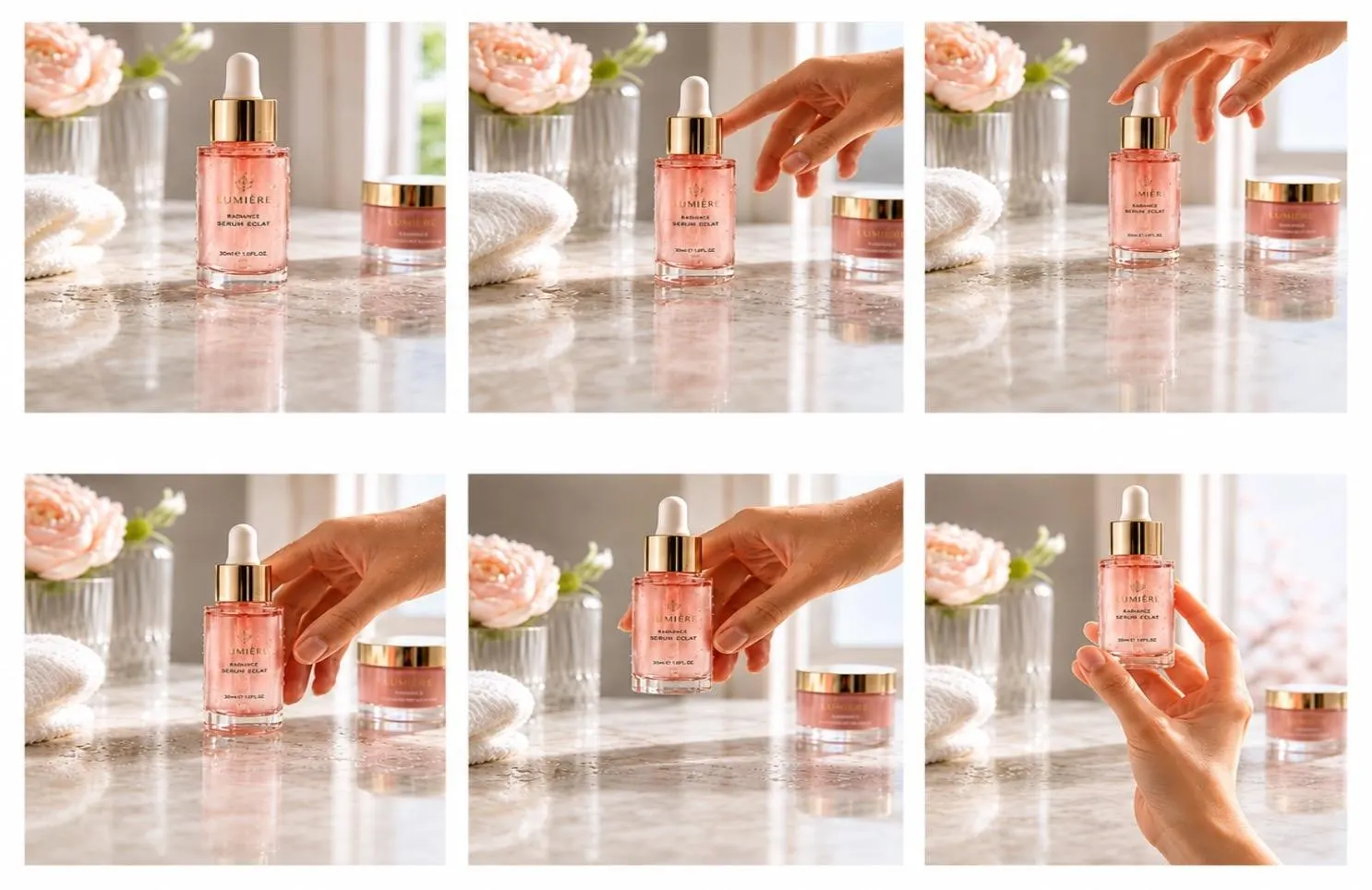
That's a concept.
You could build parts of it with AI, animate real product photography, add motion graphics, and finish it through editing and color grading.
You could also film it.
The method is not the interesting part. The result is.
When should you just do a real photoshoot?
Sometimes the answer is: get a camera.
Especially when you need to show:
- Exactly how a product works.
- Real skin texture, fabric, fit, or material.
- Detailed physical interaction.
- Precise product features or results.
- Packaging that absolutely cannot change.
AI-generated product videos can look convincing and still be inaccurate.
If you're demonstrating how a device works, showing the actual finish of a lipstick, or making claims about what a product does, invented details aren't particularly helpful.
You can also mix real footage with AI-generated environments and motion graphics.
Nobody said you have to marry one technique.
Is making a product video from photos cheaper?
Often. Not automatically.
You can avoid location rentals, crew, equipment, travel, and some physical production costs.
But AI generation, compositing, animation, corrections, and editing still take work.
Sometimes getting AI to behave takes longer than filming the damn thing.
A simple motion graphics product video may be more efficient than trying to create a complicated photorealistic AI commercial.
It depends on what you're making.
Not every product needs a miniature Hollywood production.
What do you need to create a product video without filming?
Ideally:
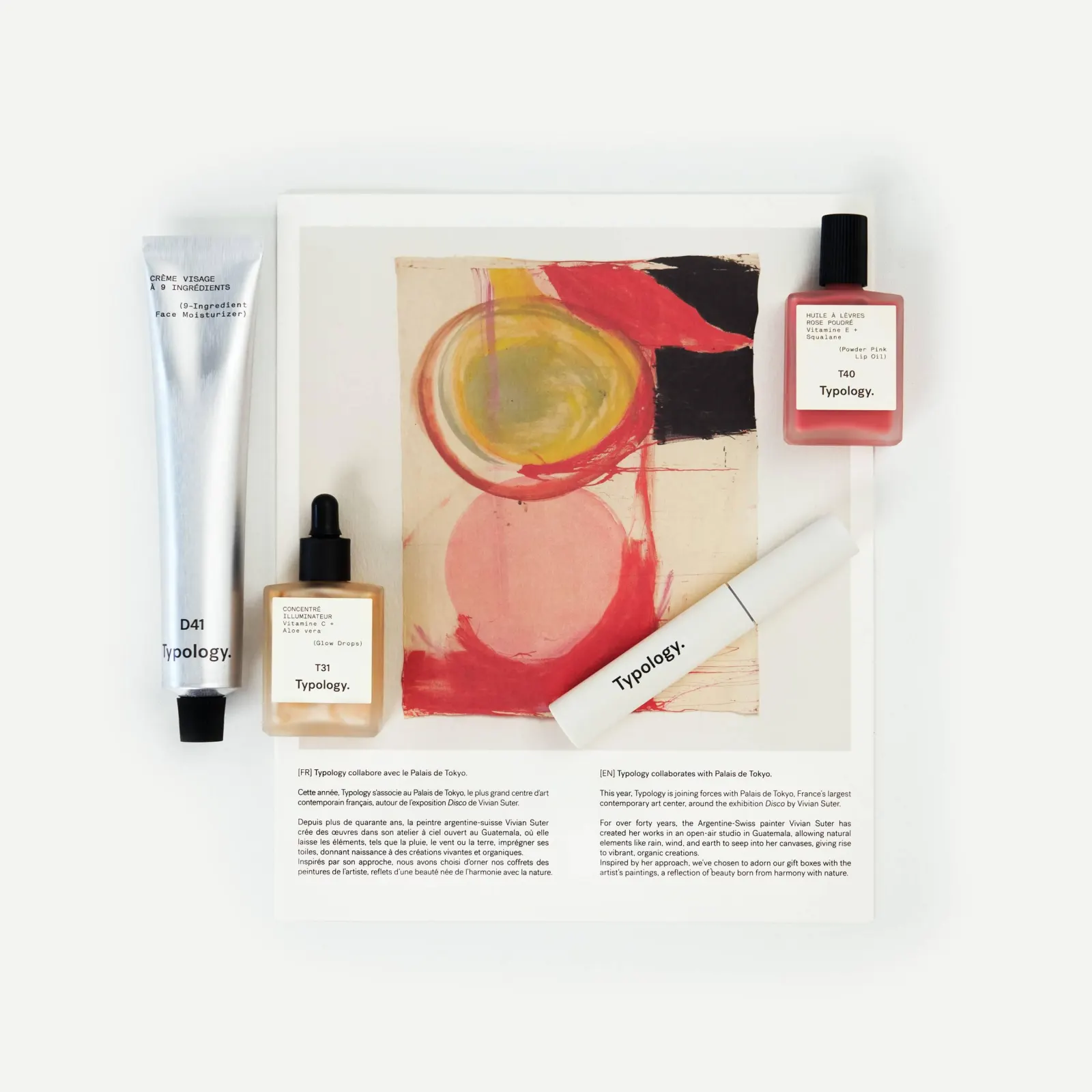
- Clear product photos, preferably from several angles.
- Transparent PNGs or original high-resolution images.
- Your logo, fonts, and brand colors.
- Packaging artwork, if available.
- A few visual references you actually like.
No brand guidelines? Fine. A visual direction can be developed.
Only one product image? Still worth exploring.
One blurry screenshot from 2017?
We may have a problem.
So, is a photoshoot necessary?
No. Not always.
AI product videos, animated product photography, motion design, and creative editing have made it possible to produce some seriously good-looking commercial content without ever putting a camera in front of the product.
But removing the photoshoot doesn't remove the need for taste.
You still need an idea.
Preferably a good one.
Curious how this works on a real product? See how AI product videos keep the product itself untouched, or product video production for filmed work. Prices are on the packages page.